
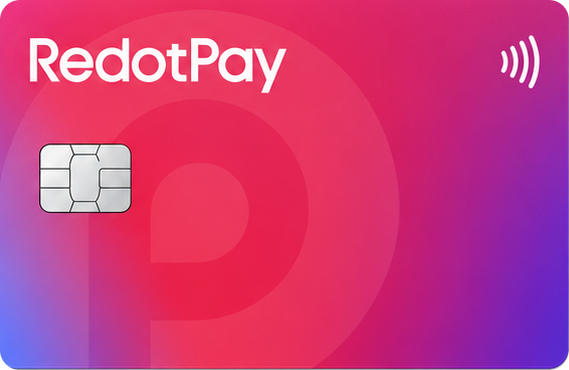

About the product
RedotPay Card overview
RedotPay is a Visa crypto card from a Hong Kong company that has become one of the most visible products on the market in just a few years, with coverage the service puts at over 100 countries. It is built mainly around stablecoin spending: you hold a balance in the app and the conversion to fiat happens at the moment of payment.
Key terms
- Card type: Visa debit (virtual and physical)
- Supported currencies: USDT, USDC, BTC, ETH, BNB, SOL, TRX, SUI and others; settlement in USD and HKD
- Where it works: 100+ countries, excluding the United States and sanctioned jurisdictions
- Fees: $10 for a virtual card, $100 for a physical one; no monthly fee; 1% crypto conversion; 1.2% on transactions in another currency; ATM withdrawals at 2% up to $10,000 per month and 3% above that
- Cashback: no fixed cashback on the standard card — ongoing cashback sits inside the paid RedotPay Pro subscription
Key features
RedotPay is custodial: once you deposit, the platform holds the assets and your app balance is a claim on the service rather than coins in a wallet you control. Funding works on-chain, by bank transfer, from a card or through Binance Pay. In 2026 the company launched RedotPay Pro, a subscription that pays cashback in internal Reward USDs and waives part of the ATM fee, plus a separate Solana Card. For cards issued after 22 August 2025, Apple Pay support is being restored through a free card upgrade that started on 15 January 2026.
How to get the card
- Install the RedotPay app and register with a phone number or email.
- Complete identity verification (KYC) with an ID document and a selfie.
- Pay the issuance fee, top up the balance and add the card to Apple Pay or Google Pay.